
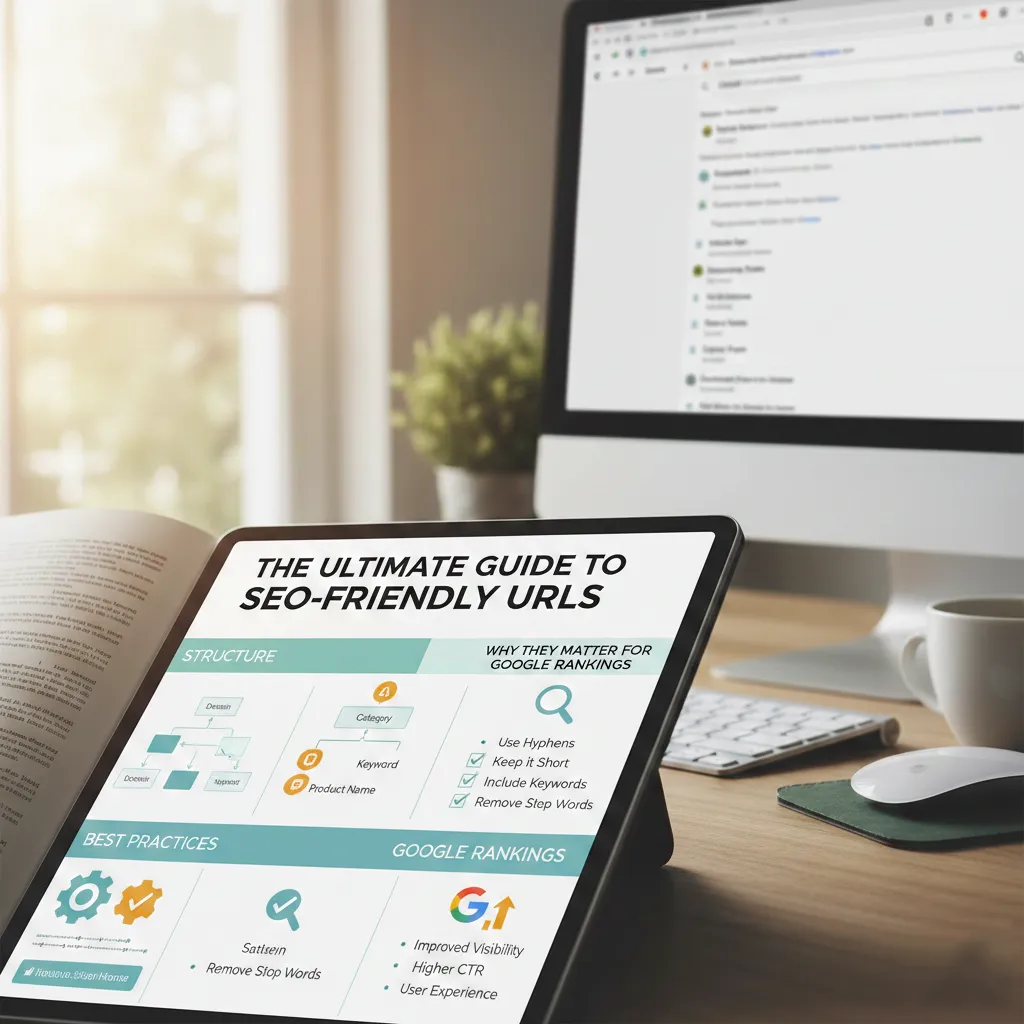
When it comes to optimizing a website for search engines, most marketers focus heavily on keywords, backlinks, and content quality. While these are critical components of SEO, there is one element that is often treated as an afterthought yet holds significant power: the URL structure.
Your website’s URLs are more than just web addresses. They are a ranking factor, a usability feature, and the first impression a user gets of your content before they even click the link. In this ultimate guide, we will break down what makes a URL “SEO-friendly,” why the structure matters so much for Google rankings, and the best practices you need to follow—including the great debate of hyphens vs. underscores.
Why Does URL Structure Matter for Google Rankings?
To understand why you should care about your URLs, you have to look at it from two perspectives: the search engine bot and the human user.
1. It Helps Google Understand Your Page
Google’s crawlers use URLs to decipher the content and context of a page. A well-structured URL provides clear semantic signals. For example, look at these two URLs:
example.com/p=123example.com/seo-friendly-urls-guide
The second URL instantly tells Google (and the user) that the page is a guide about SEO-friendly URLs. Keywords in URLs can contribute to relevancy signals, helping your page rank for those specific terms.
2. It Improves Click-Through Rates (CTR)
Users scan search results before deciding what to click. A clean, readable URL that includes their search query builds trust and relevance. If a user searches for “best coffee machines” and sees a result with the URL website.com/best-coffee-machines-2024, they are far more likely to click it than a URL that looks like website.com/category/?p=1234. Google has confirmed that a readable URL can improve CTR.
3. It Enhances User Experience & Shareability
SEO-friendly URLs are easier to remember and share. If someone wants to link to your guide, they are more likely to copy a clean URL. When URLs are shared on social media or in forums, a readable format looks professional and trustworthy, whereas a string of random characters can look like spam.
What Defines an SEO-Friendly URL?
An SEO-friendly URL is simple, logical, and easy for both users and search engines to understand. Here are the core characteristics:
- Descriptive: It accurately reflects the content of the page.
- Concise: It is short and removes unnecessary words like “and,” “the,” or “of.”
- Keyword-Rich: It contains the primary target keyword for that page.
- Readable: It uses words, not ID numbers or complex parameters.
The Great Debate: CamelCase vs. Hyphens vs. Underscores
One of the most common technical questions regarding URL structure is how to separate words. Should you use camelCase, underscores, or hyphens? Google has provided a clear answer on this.
The Verdict: Always Use Hyphens (-)
Google recommends using hyphens to separate words in a URL. Hyphens are treated as word separators. For example, Google interprets /seo-friendly-urls as three distinct words: “seo,” “friendly,” and “urls.”
Why You Should Avoid Underscores (_)
Underscores are problematic because they join words together. Google’s algorithm historically does not treat an underscore as a word separator. Therefore, a URL like seo_friendly_urls might be read by search engines as one long, continuous string: “seofriendlyurls.” This completely negates the SEO value of having keywords in your URL.
Why You Should Avoid CamelCase
CamelCase (e.g., /SeoFriendlyUrls) is visually messy in a URL and relies on capital letters to distinguish words. However, URLs are case-sensitive. If someone links to your page using lowercase letters (which is common), the link might break. Sticking to lowercase and hyphens eliminates this risk.
Best Practices for Creating SEO-Friendly URLs
To maximize your rankings and user experience, follow these proven best practices every time you create a new URL.
1. Keep It Short and Simple
A short URL is easier to copy, paste, and share. Search engines tend to favor shorter URLs because they are less prone to user error and look cleaner in search results. Remove stop words like “a,” “the,” “in,” and “for” whenever possible.
2. Include Your Primary Keyword
Do keyword research for your page and include the primary keyword naturally in the slug (the part of the URL after the domain name). However, avoid keyword stuffing. If your keyword is “digital marketing tips,” don’t make the URL /digital-marketing-tips-best-tips-for-digital-marketing. Keep it to /digital-marketing-tips.
3. Use Lowercase Letters
As mentioned earlier, web servers treat uppercase and lowercase letters as different characters. To avoid broken links and duplicate content issues, always use lowercase letters in your URLs. Most content management systems will enforce this, but it is a good habit to check.
4. Use a Logical Structure
Your URL should reflect the hierarchy of your site. For example: domain.com/category/sub-category/post-name.
This helps users and search engines understand where they are on your site. If you run a recipe blog, a structure like domain.com/recipes/chicken/chicken-tikka-masala is far more logical than domain.com/p=1234.
5. Avoid Special Characters and Parameters
Stick to alphanumeric characters and hyphens. Avoid using spaces (%20), ampersands (&), question marks (?), and equals signs (=) in your permalinks unless absolutely necessary for tracking. These make URLs look messy and are harder for users to remember.
Common URL Mistakes to Avoid
- Changing URLs without redirects: If you update a post and change the URL, you must set up a 301 redirect from the old URL to the new one. Otherwise, you will lose all your backlinks and ranking authority, resulting in 404 errors.
- Using dates in URLs: Unless your content is time-sensitive news, avoid putting the year or date in the URL. It dates your content and makes it harder to update later.
/best-seo-tips/is better than/best-seo-tips-2023/. - Dynamic URLs with multiple parameters: URLs like
?id=1&cat=5&sort=descare very difficult for users to read and can waste crawl budget for search engines.
How to Generate Perfect URLs Every Time
Creating these optimized URLs manually can be time-consuming, especially if you are managing a large site. This is where a dedicated tool becomes invaluable.
At URLGenerator.online, we provide a free tool designed to handle this exact task. Simply input your desired title or text, and our generator will instantly strip out all the invalid characters, convert the text to lowercase, and separate the words with hyphens. This ensures you are following Google’s best practices without having to manually edit every single slug.
Conclusion
SEO-friendly URLs are a small but mighty part of your overall search strategy. They bridge the gap between technical SEO and human usability. By keeping them short, using hyphens, including target keywords, and maintaining a logical structure, you give your pages the best chance to rank higher and attract clicks.
Start auditing your current URL structure today. Use the free tools available here to clean up your slugs and ensure every page on your site is optimized for both Google and your visitors.